




Product Overview
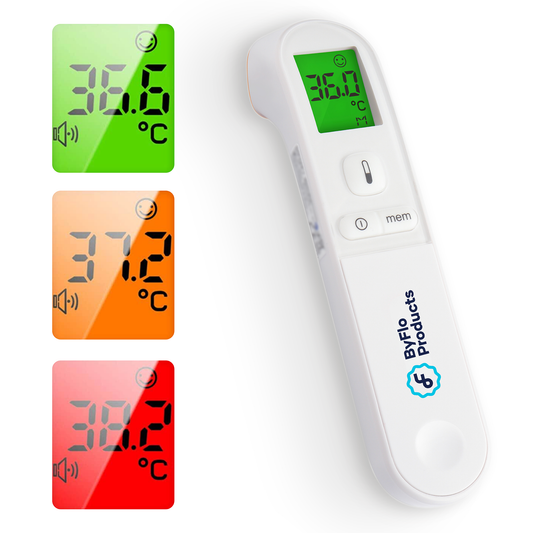
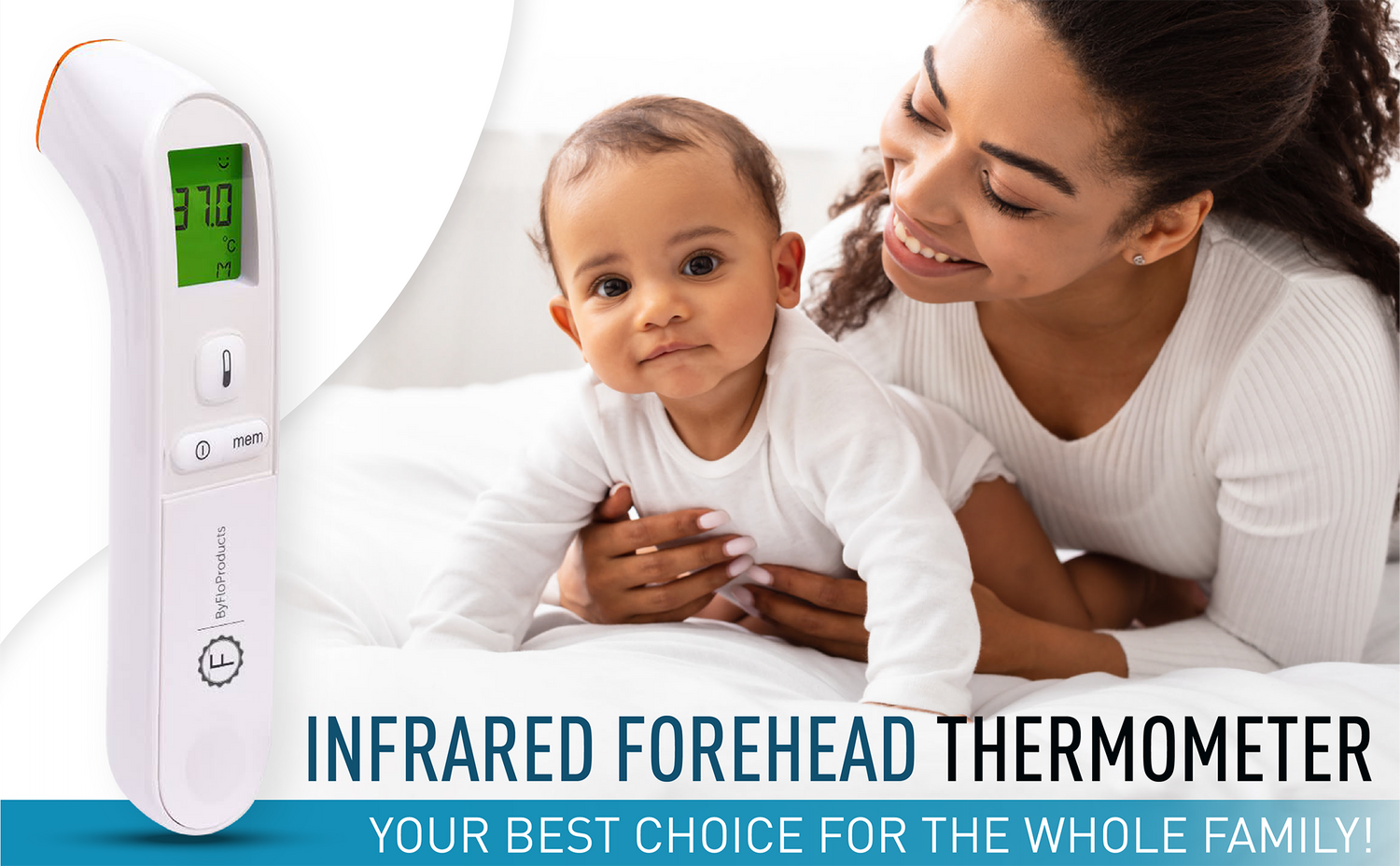
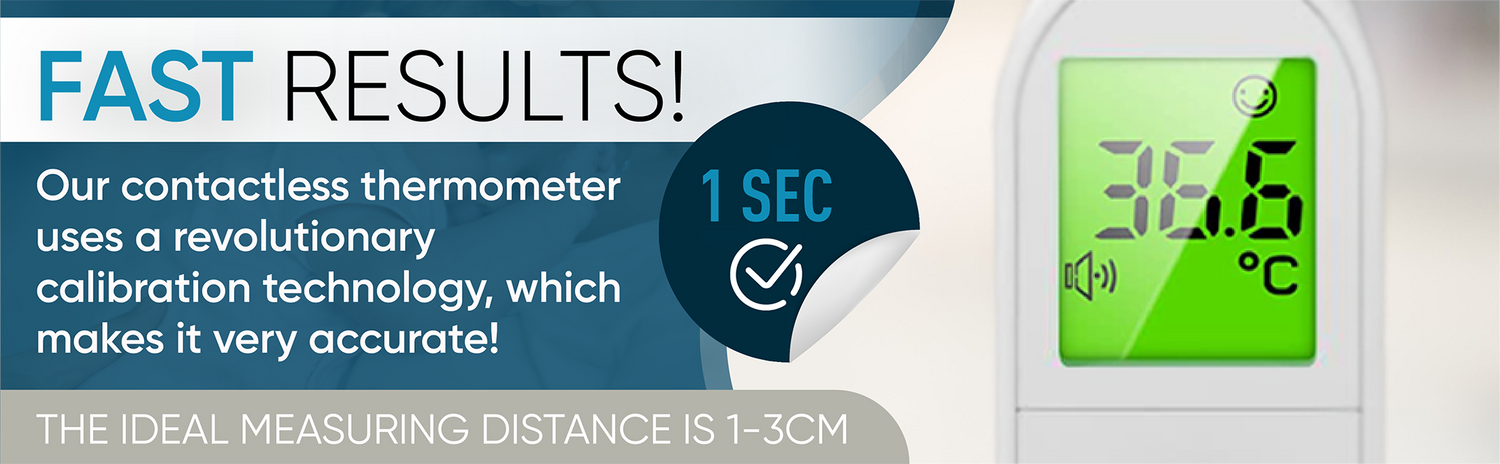
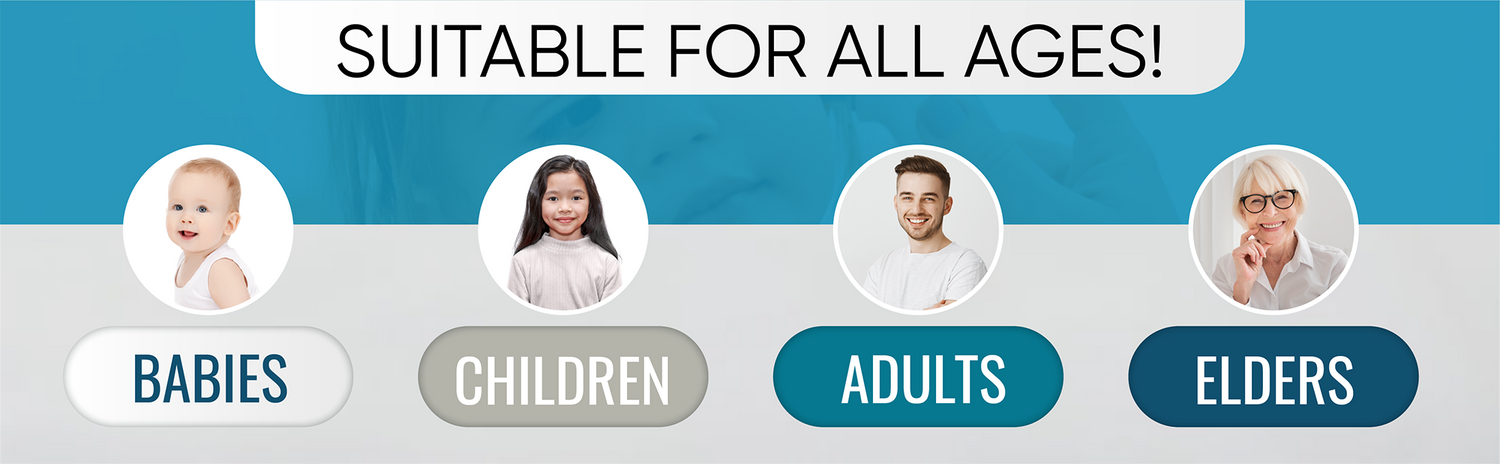
Check temperatures quickly with the ByFloProducts PG-IRT1602 digital infrared forehead thermometer for babies, children and adults. The colour-changing display, silent mode and straightforward controls make it convenient for temperature checks during the day or at night.
Key features
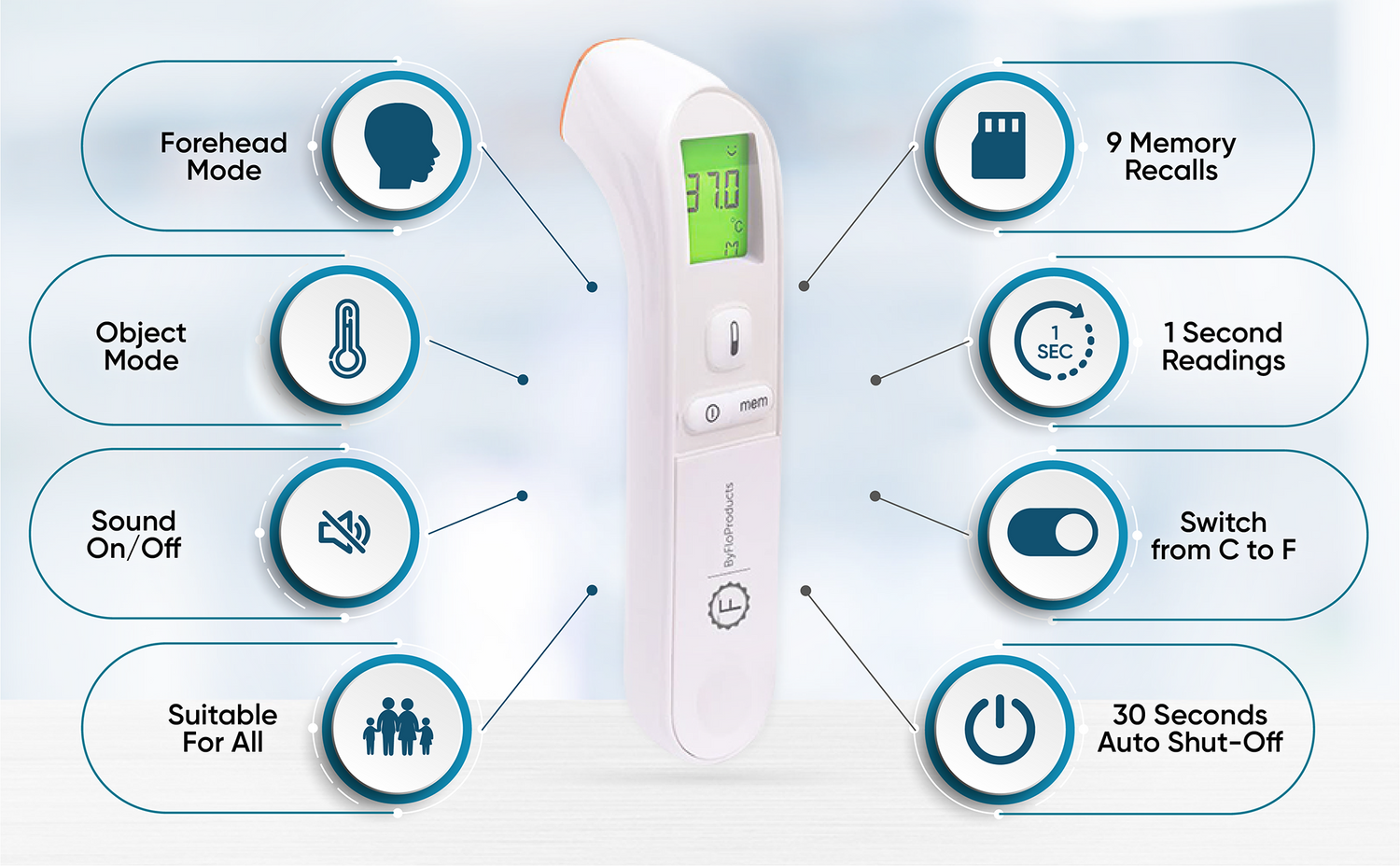
- Forehead and object modes: Measure forehead temperature or check objects such as a baby bottle or bath water.
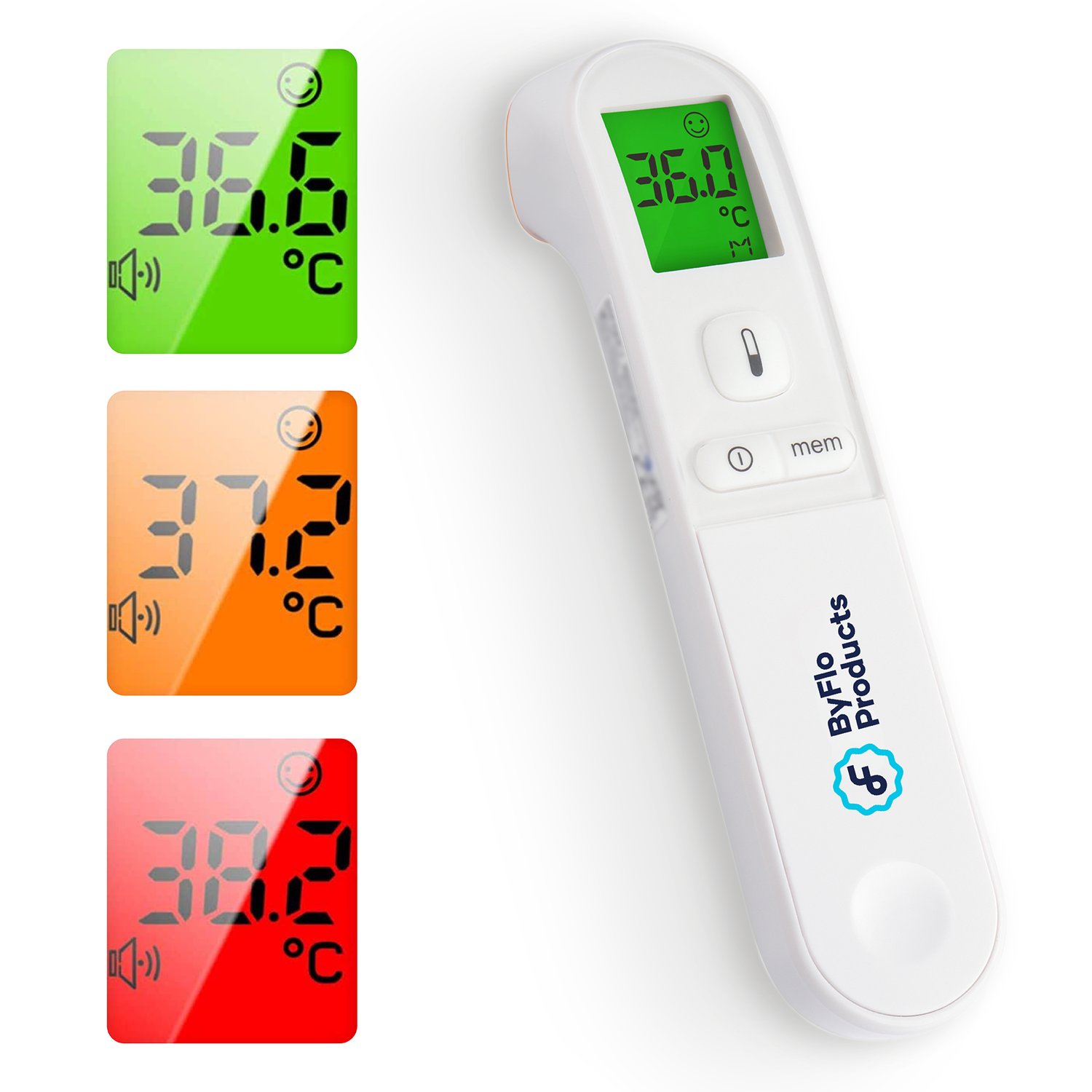
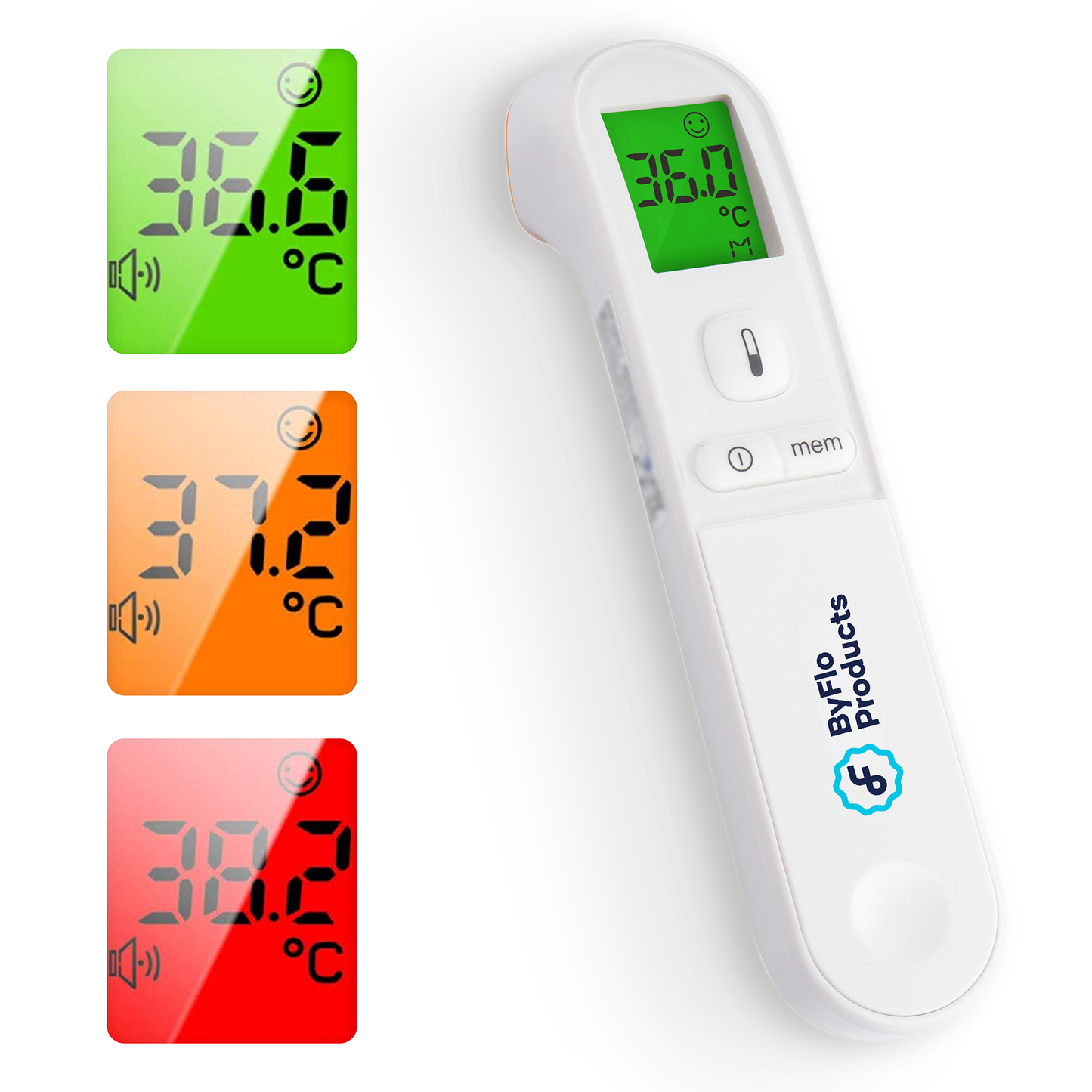
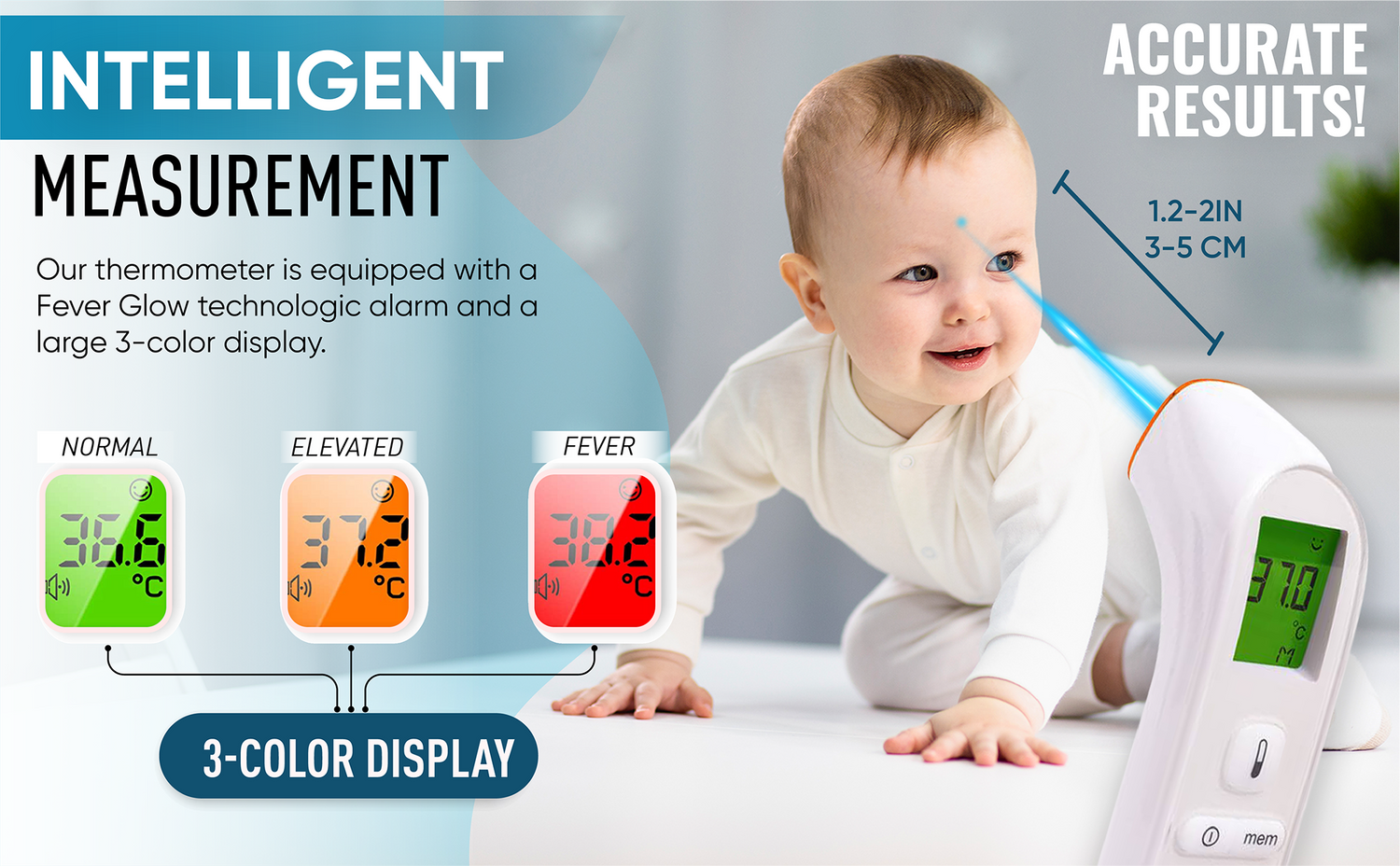
- Colour fever indicator: Green, orange and red display colours help make readings easier to interpret.
- Silent mode: Take a reading without an alert sound when quiet is important.
- Nine-reading memory: Review recent measurements to help track changes over time.
- Celsius or Fahrenheit: Select your preferred temperature unit.
- Automatic shut-off: The thermometer switches off after 30 seconds of inactivity.
What's included
- One PG-IRT1602 thermometer
- Two AAA batteries
- English and French instruction manuals
- English and French quick-start guide
- English and French questions-and-answers document
- English and French accuracy pamphlet
See more digital forehead thermometers for babies and adults.
Specifications
Product Manuals & Instructions
Shipping & Returns
Free shipping: FREE Delivery Available
Dispatch: Orders are processed and dispatched the next business day.
30-day guarantee: Not right for your family? Return it within 30 days for a refund.
Here to help: Questions before or after your order — reach us at support@byfloproducts.com.
Frequently asked questions
THE RESULTS ARE DIFFERENT COMPARED TO OTHER THERMOMETERS. IS IT NORMAL?
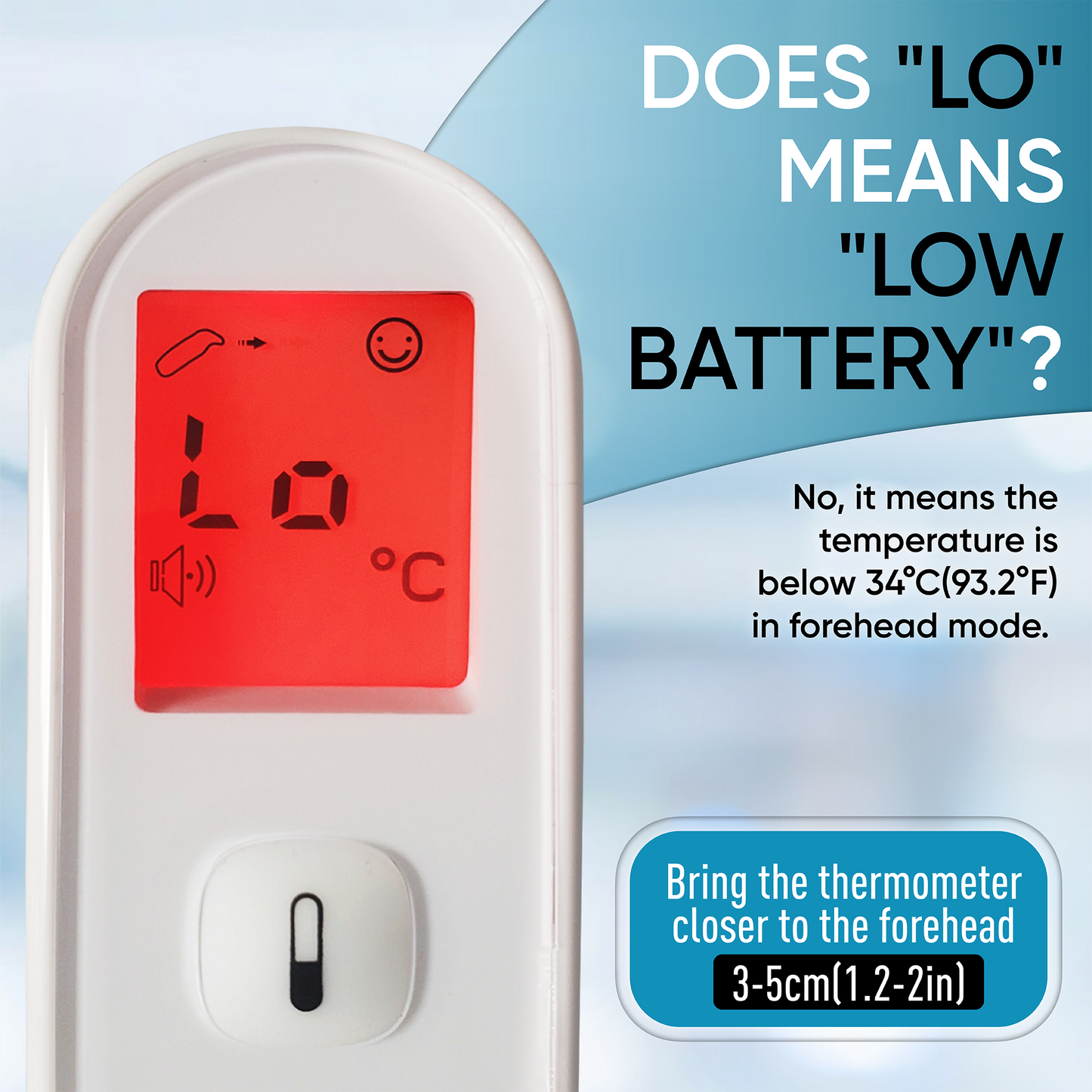
DOES "LO" MEANS "LOW BATTERY"?
HOW TO TURN THE SOUND ON/OFF?
HOW TO SWITCH FROM °C TO °F?
HOW TO SWITCH MODE?
WHY DOES THE SCREEN DISPLAYS "HI"?
Caption
Row
Pair text with an image to focus on your chosen product, collection, or blog post. Add details on availability, style, or even provide a review.
Caption
Row
Pair text with an image to focus on your chosen product, collection, or blog post. Add details on availability, style, or even provide a review.
Caption
Row
Pair text with an image to focus on your chosen product, collection, or blog post. Add details on availability, style, or even provide a review.
Caption
Row
Pair text with an image to focus on your chosen product, collection, or blog post. Add details on availability, style, or even provide a review.
Caption
Row
Pair text with an image to focus on your chosen product, collection, or blog post. Add details on availability, style, or even provide a review.
Our Collection of Digital Thermometers
-
Forehead Thermometer for Baby - Adult Digital Forehead Thermometer - PG-IRT1602
Regular price $39.99Regular priceUnit price per -
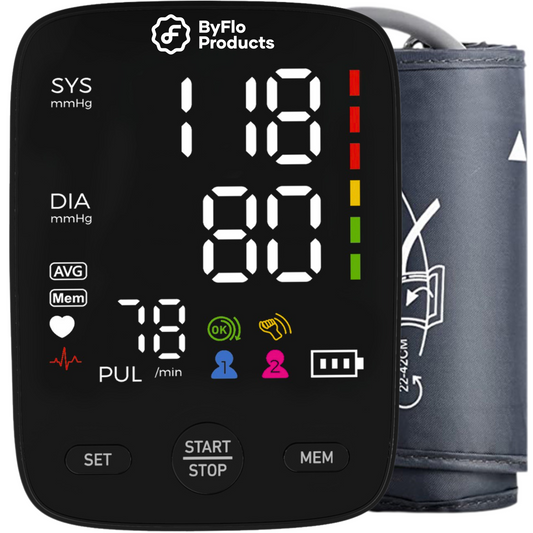
Advanced Blood Pressure Monitor for Home and Office Use - Digital BP Monitor - FC-BP121
Regular price $45.99Regular priceUnit price per -
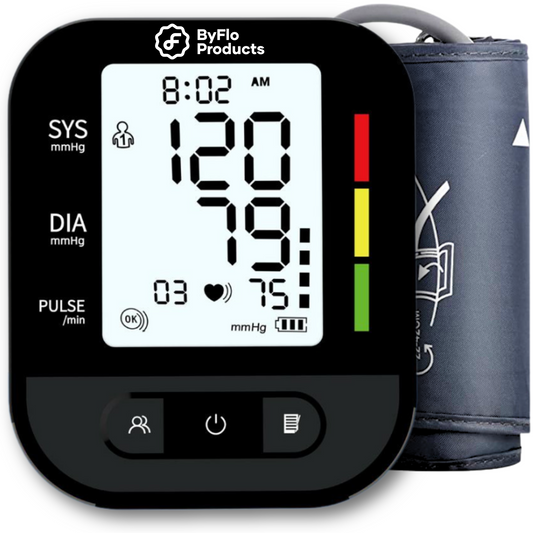
Blood Pressure Monitor for Home Use – Digital Heart Rate Monitor - AOJ30F
Regular price $39.99Regular priceUnit price per -
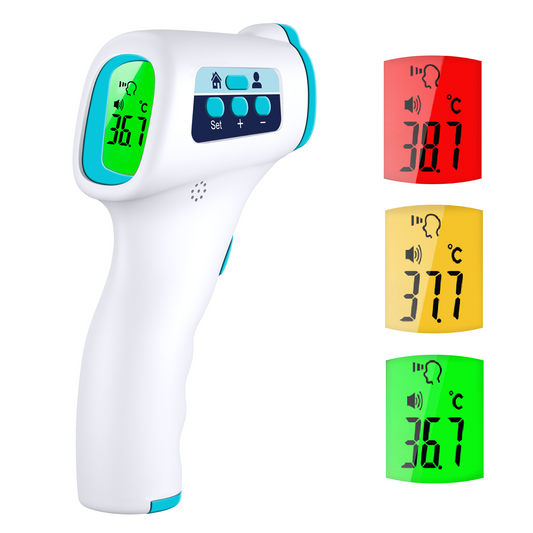
Forehead Thermometer, Non Touch Digital Thermometer for Adult and Baby - JZK-601
Regular price $31.99Regular priceUnit price per